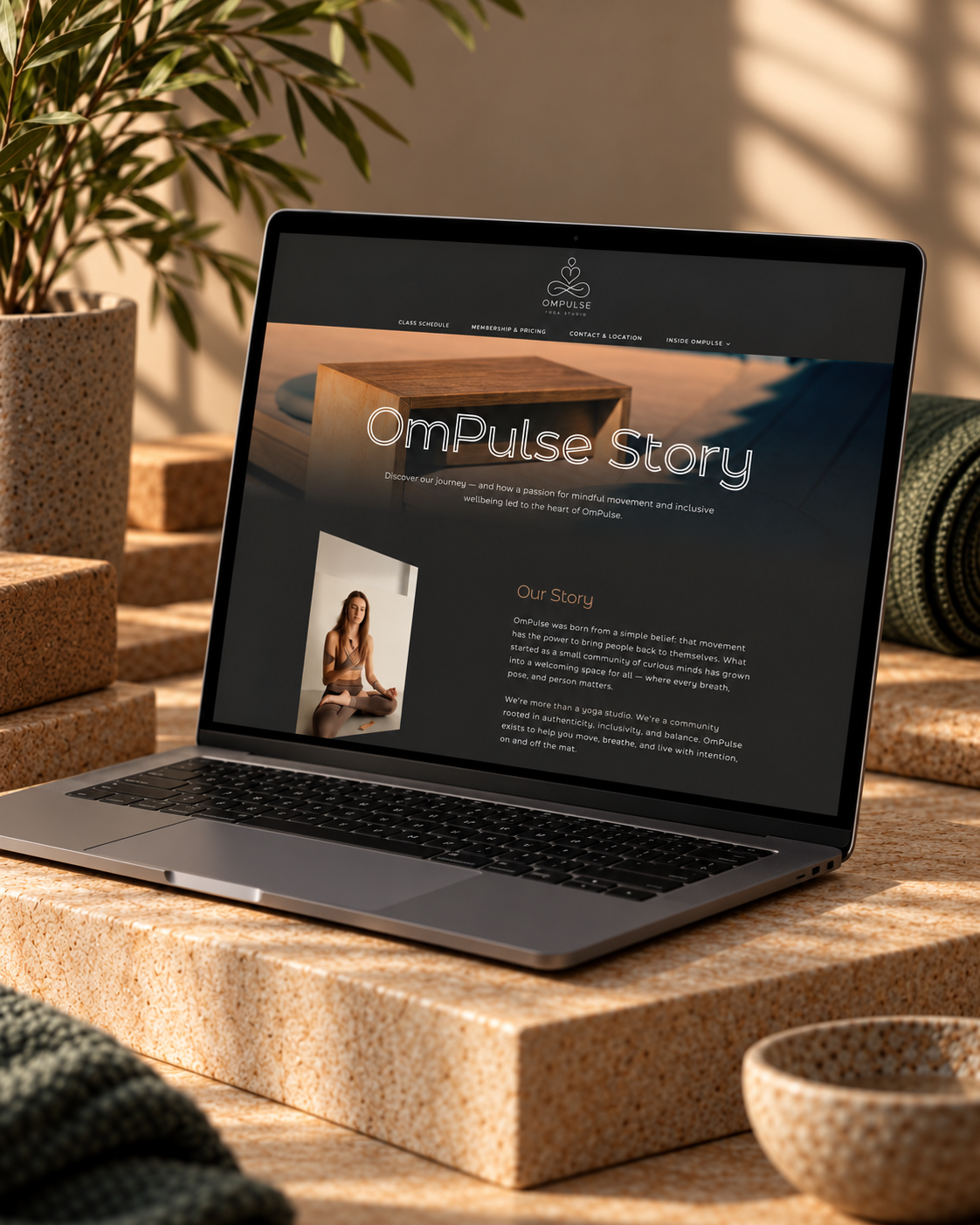
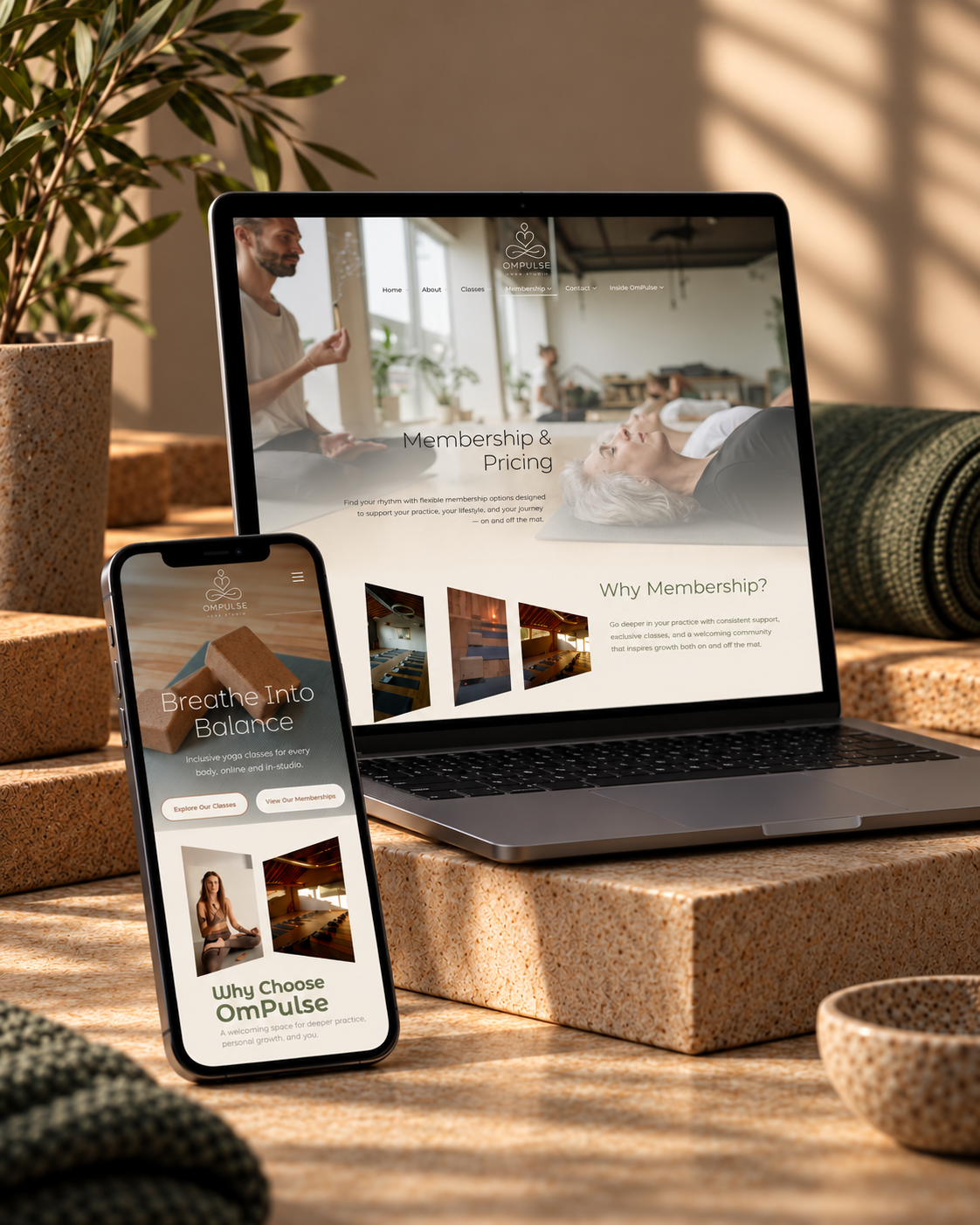
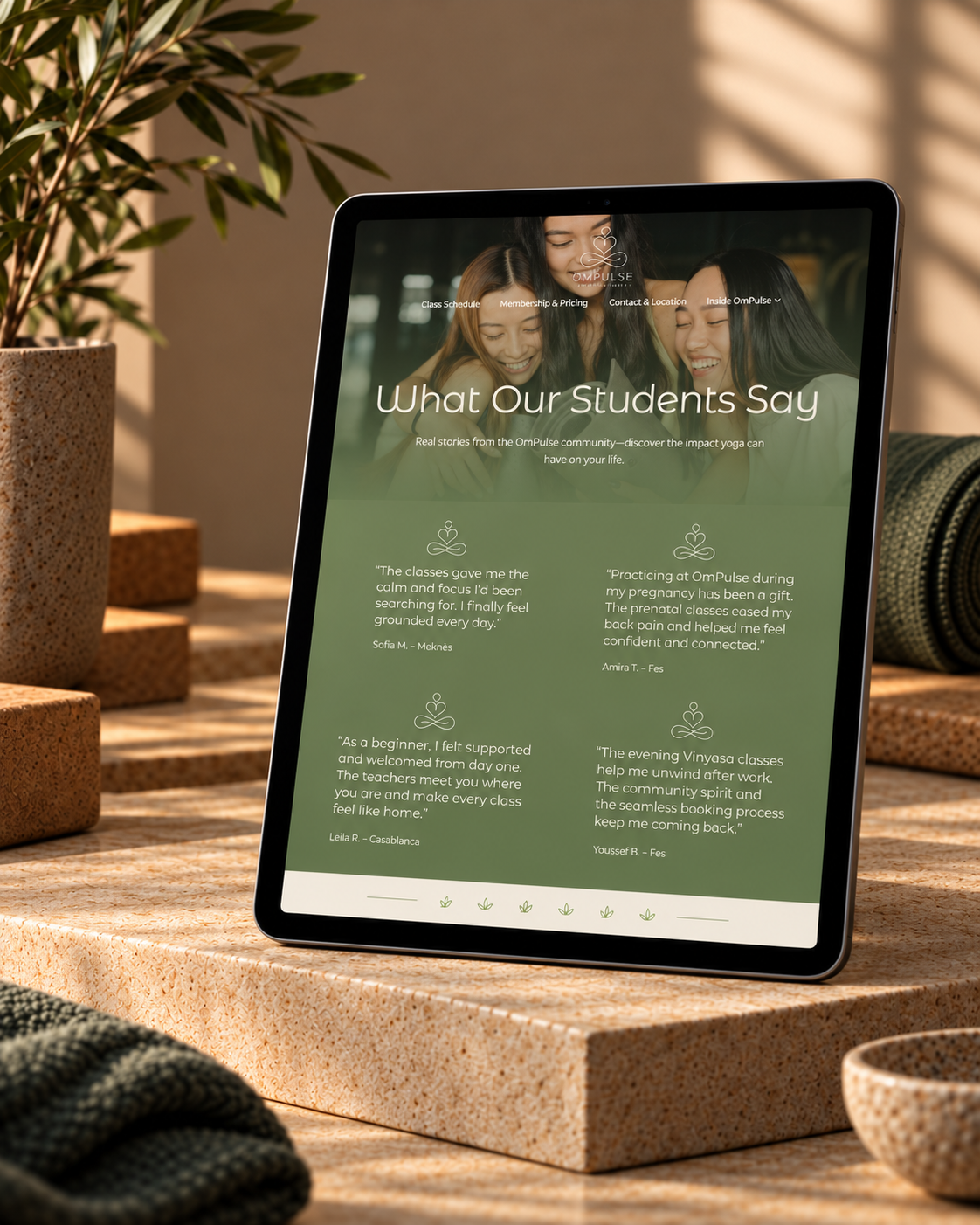
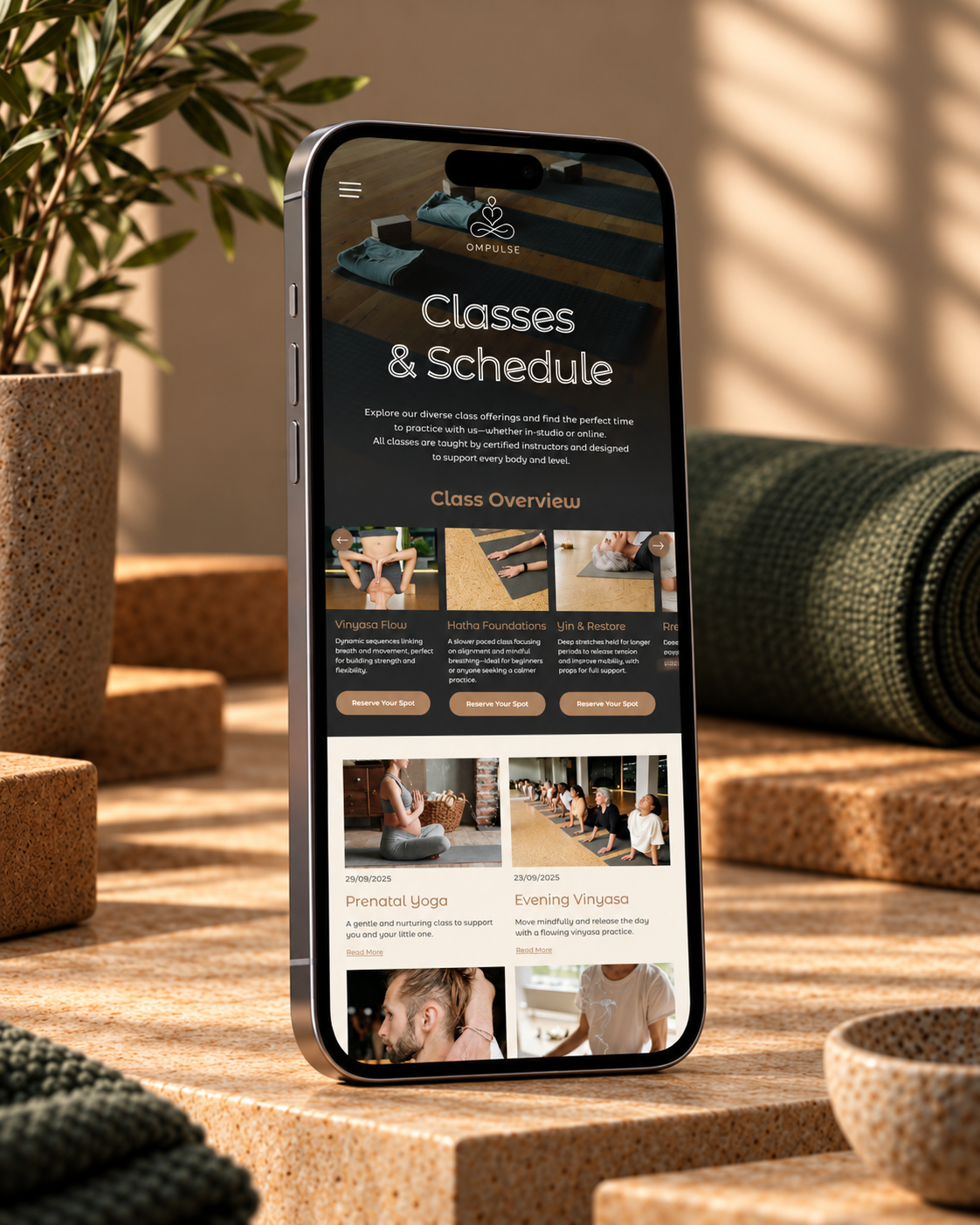
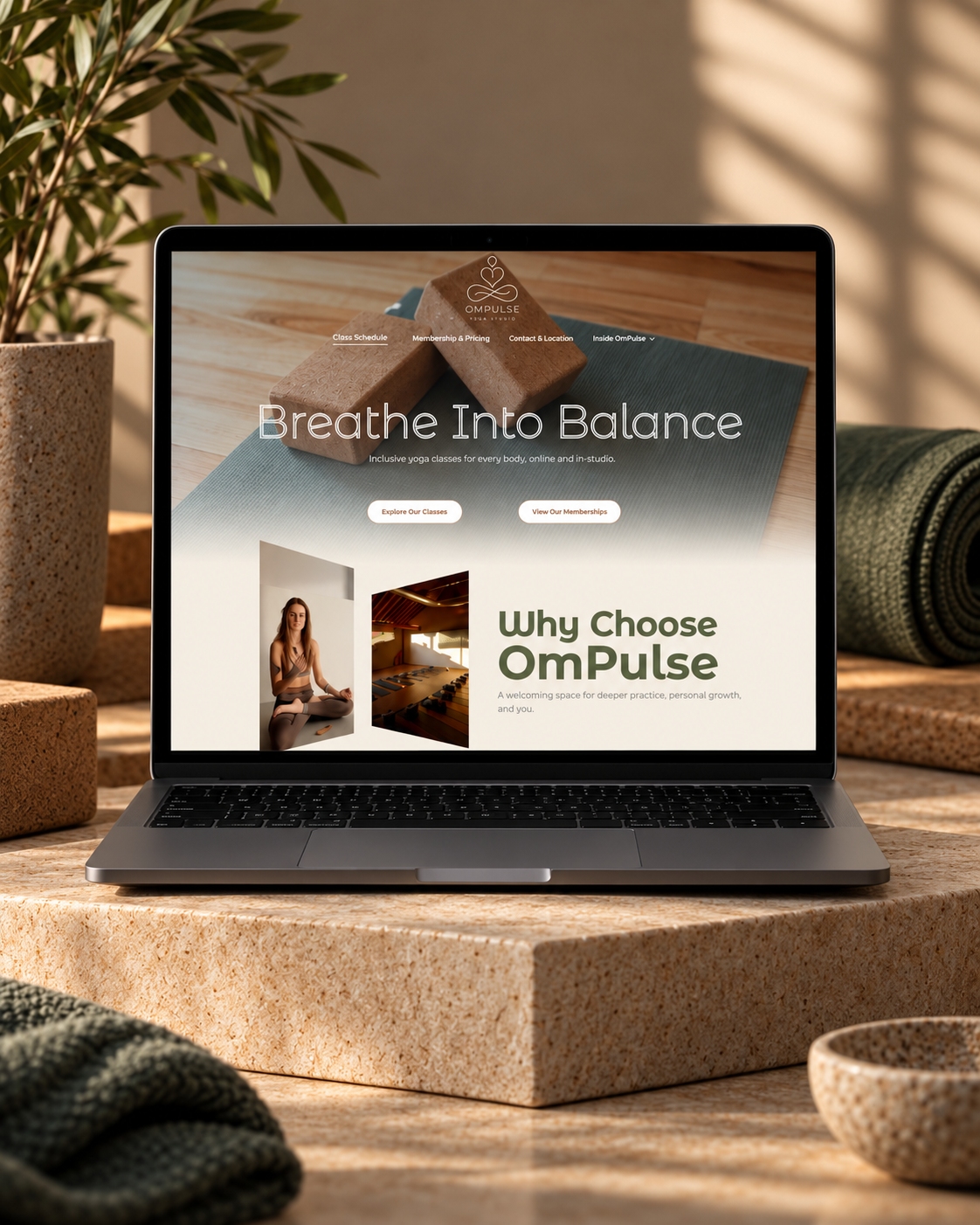
Squarespace + SquareKicker Template
Scatto
For photographers who want their work impossible to ignore.
A bold editorial website template for photographers and visual creatives.
- 15 page layouts
- 29 featured sections
- Editorial portfolio design
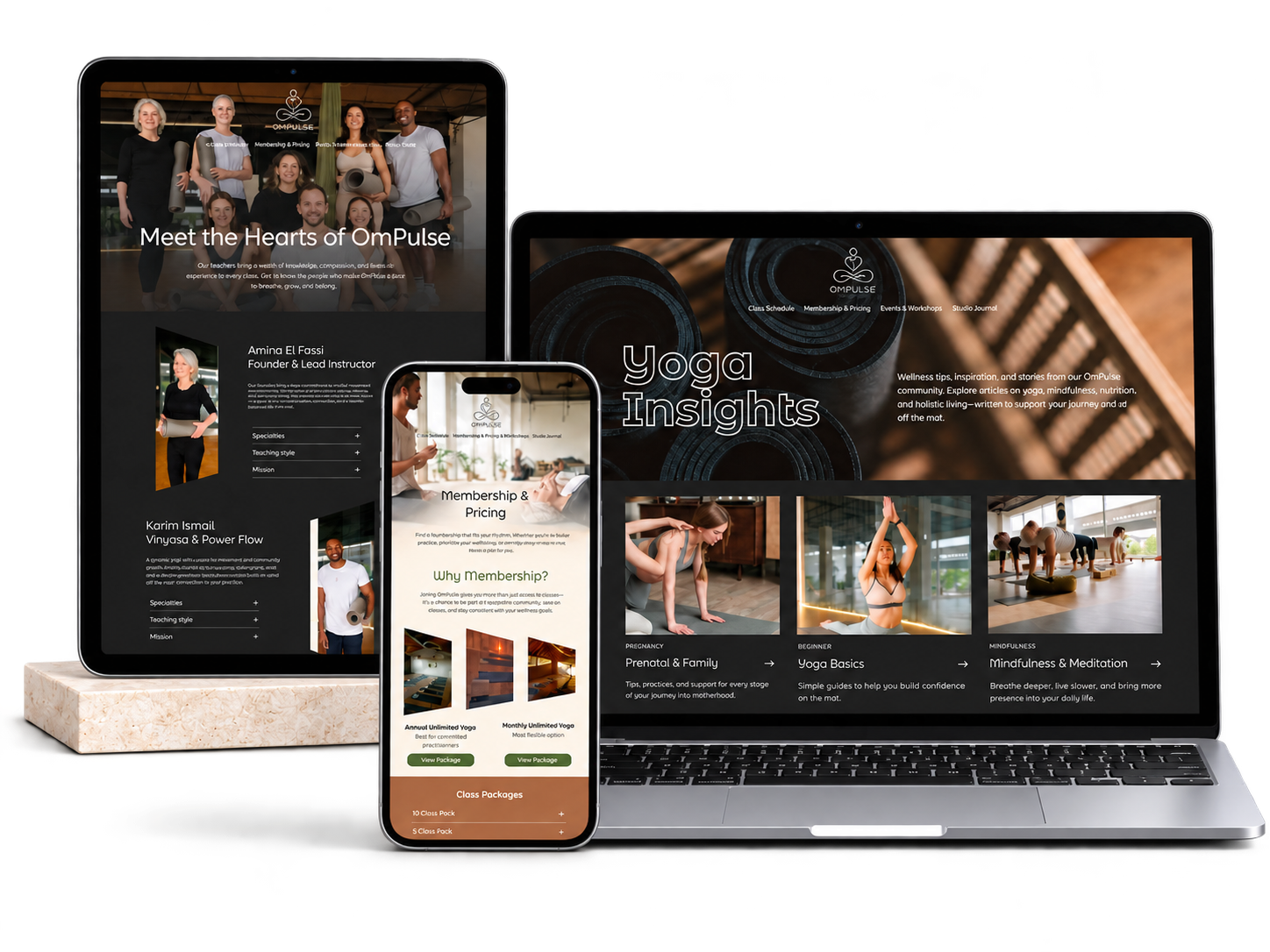
12 pre-built page layouts
A place for every part of your studio.
Classes, schedules, memberships, instructors and key studio information are already given a clear place in the system.
Inside your purchase
More than pages. A complete starting system.
OmPulse combines the layouts, reusable sections, movement and installation path needed to turn the demo into your own wellness website.
12 pre-built page layouts
A coordinated page system for the essential parts of your studio website.
24 featured sections
Reusable sections for offers, reviews, galleries, FAQs, people and more.
SquareKicker movement
Polished motion and interactions already designed into the template.
Instant installation
Install through the SquareKicker Template Engine on Squarespace 7.1.
SquareKicker customization
Continue customizing the design using SquareKicker tools available with your setup.
A customizable foundation
Replace the demo content, colors, imagery, typography and studio details.
What happens after you choose your template
A clear route from template to your website.
Review the template, continue to the official SquareKicker marketplace, install it on your Squarespace 7.1 site, then personalize the system with your own content, imagery and brand.
Confirm the fit
Review the live demo, included layouts and requirements before continuing to purchase.
Continue to SquareKicker
The purchase button opens the template’s official SquareKicker marketplace listing, where you can review the order before checkout.
Purchase + install
Complete checkout through SquareKicker, then use the Template Engine to install the template on your Squarespace 7.1 site.
Make it yours
Replace the demo content and imagery, apply your brand, review desktop and mobile, connect your domain and publish.
Before you decide
You might be wondering...
A template gives you the starting point — not a finished identity. Here are a few things worth knowing before you make it yours.
Will my website still feel like my own brand?
Absolutely. Scatto gives you the structure and design foundation. Your colors, typography, imagery, copy and creative direction are what turn it into your own website.
Do I have to build everything myself?
No. The layouts and reusable sections are already designed, giving you a clear starting system instead of an empty Squarespace site.
What if I don’t need every page?
Use only what your business needs. Pages and sections can be hidden, removed, duplicated or added as your offers and content evolve.
Does my site have to look exactly like the demo?
Not at all. The demo shows what the design system can do. The goal is to use that foundation to create a website that feels unmistakably yours.
Know before you buy
Clear requirements. No surprises.
Squarespace 7.1
The template is designed for Squarespace 7.1.
SquareKicker
The template uses SquareKicker-powered styling and interactions.
One website
One template purchase covers one website.
Separate costs
Your Squarespace subscription, domain and optional external services are separate.
Looking for another path? Compare templates ↗
Questions before checkout
Clear the last questions.
Can I customize the template?
Can I install it on an existing Squarespace website?
Do I need to know code?
Do I need SquareKicker?
What happens after purchase?
Can I add my own classes and schedule?
Can I customize the membership and pricing sections?
Ready when the fit is clear
Bring your studio online with OmPulse.
Start with the structure already in place, then make every page unmistakably yours.
Get OmPulse ↗ View Live Demo ↗