OmPulse
A refined website template for yoga, Pilates and wellness studios that want a polished online presence without starting from scratch.
- Pages 12 layouts
- Sections 24 featured sections
- Platform Squarespace + SquareKicker
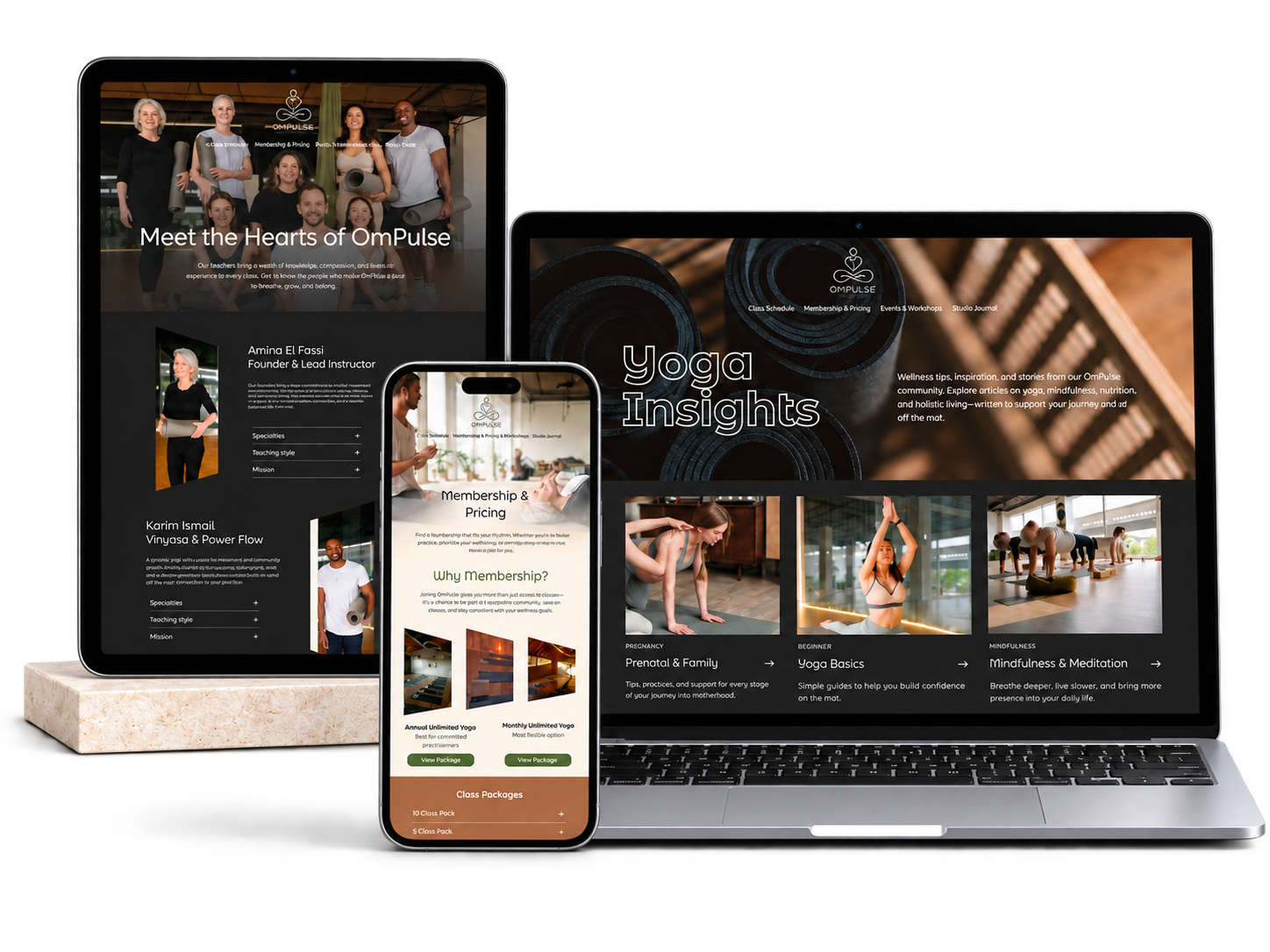
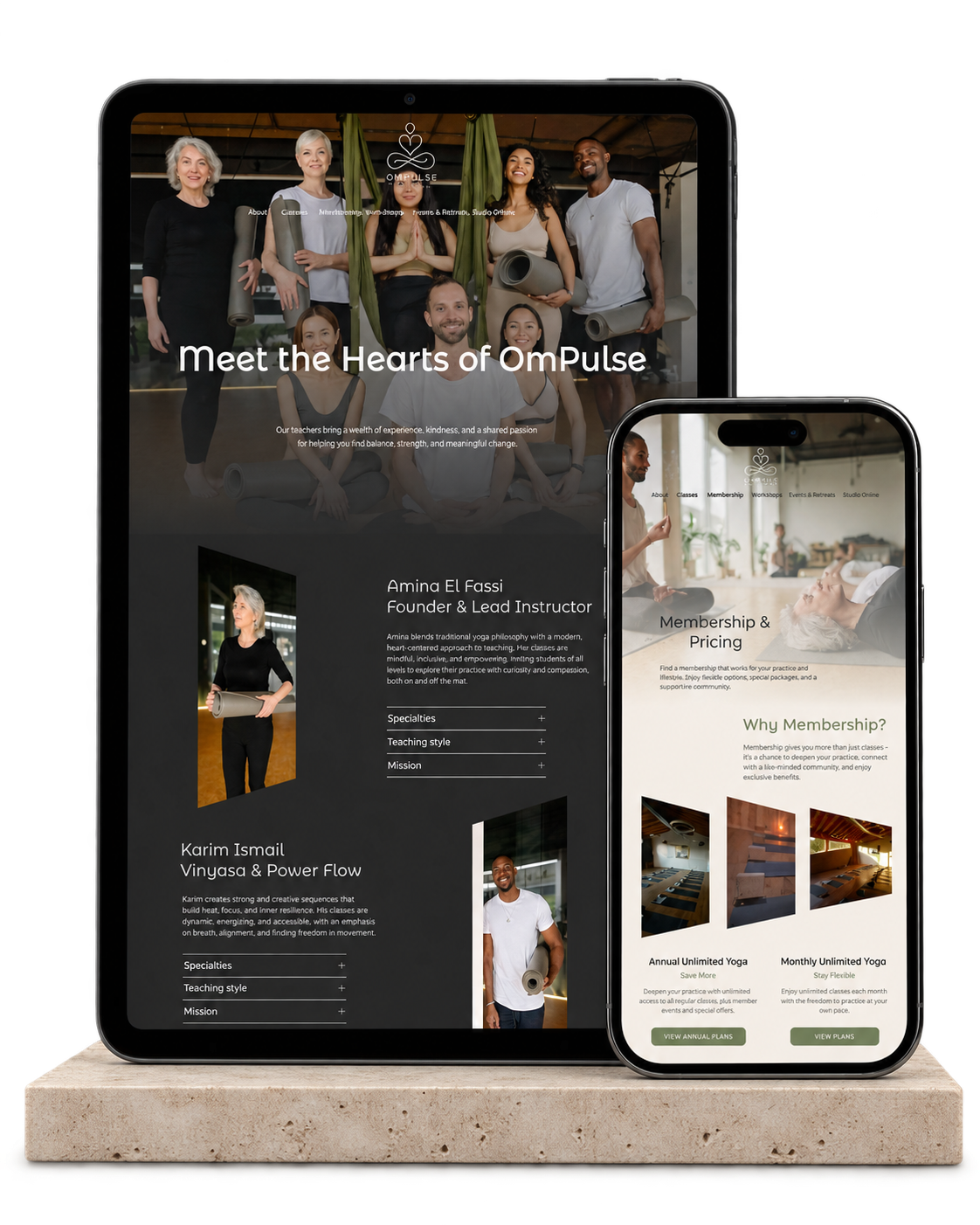
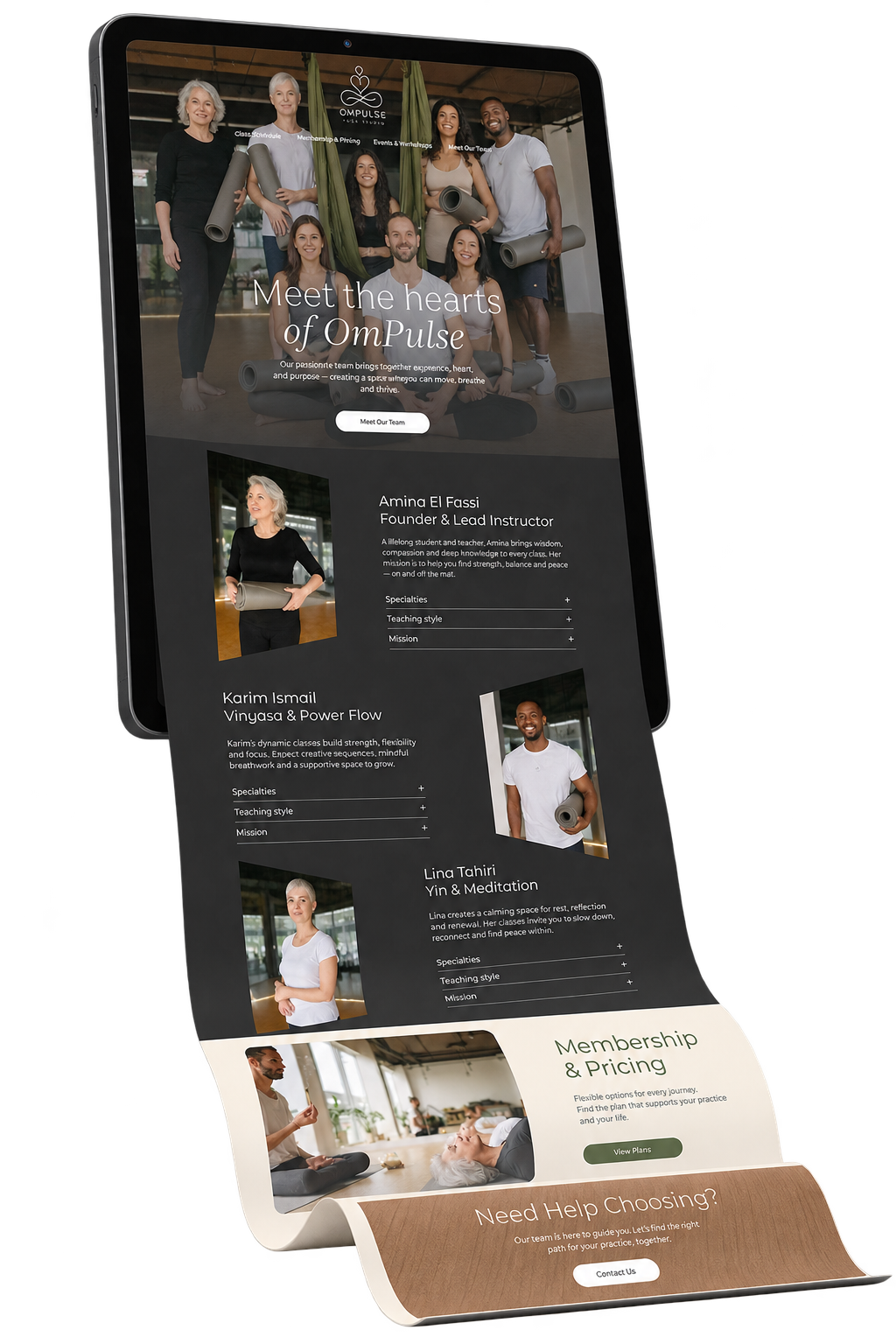
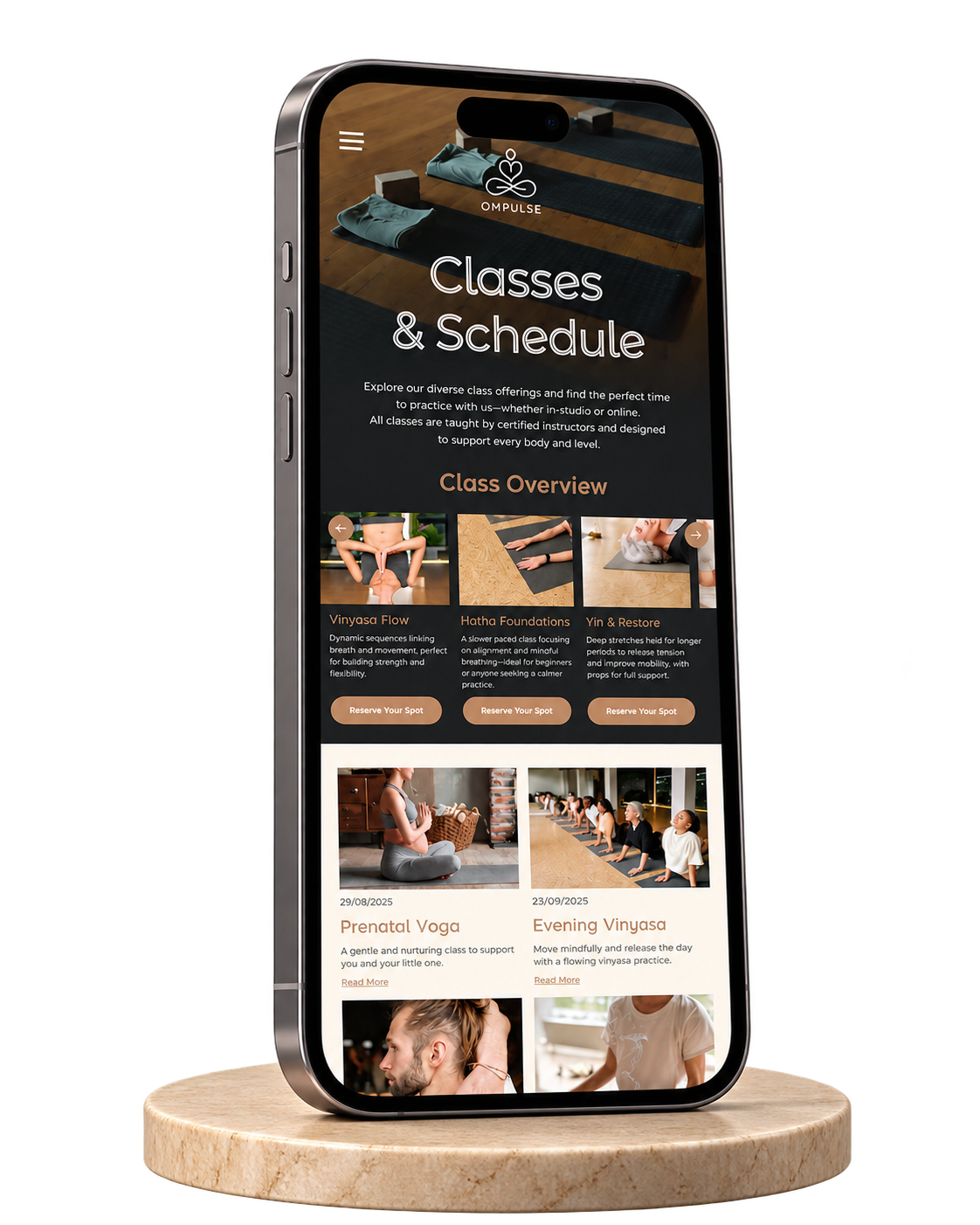
12 pre-built page layouts
12 pages. Already planned.
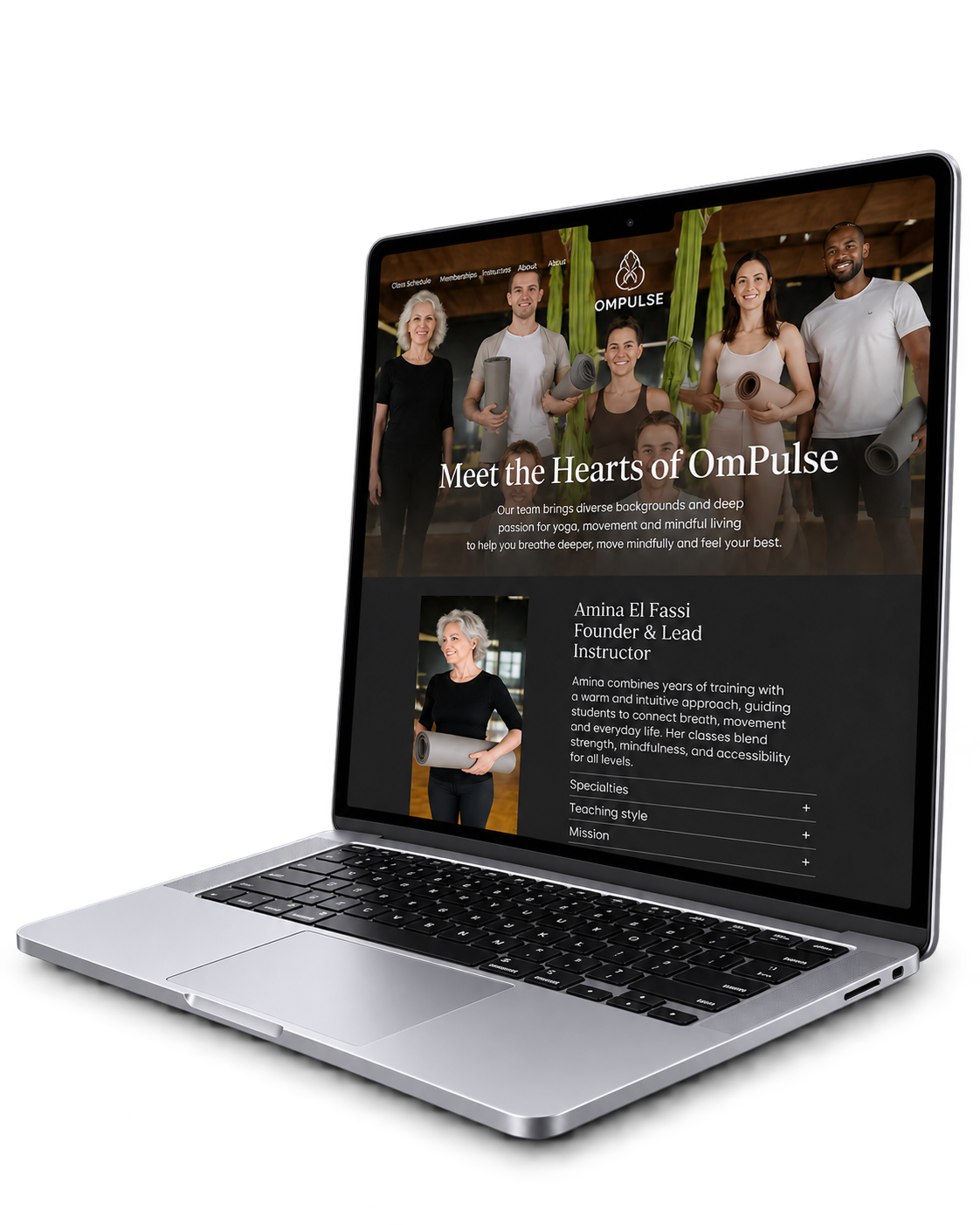
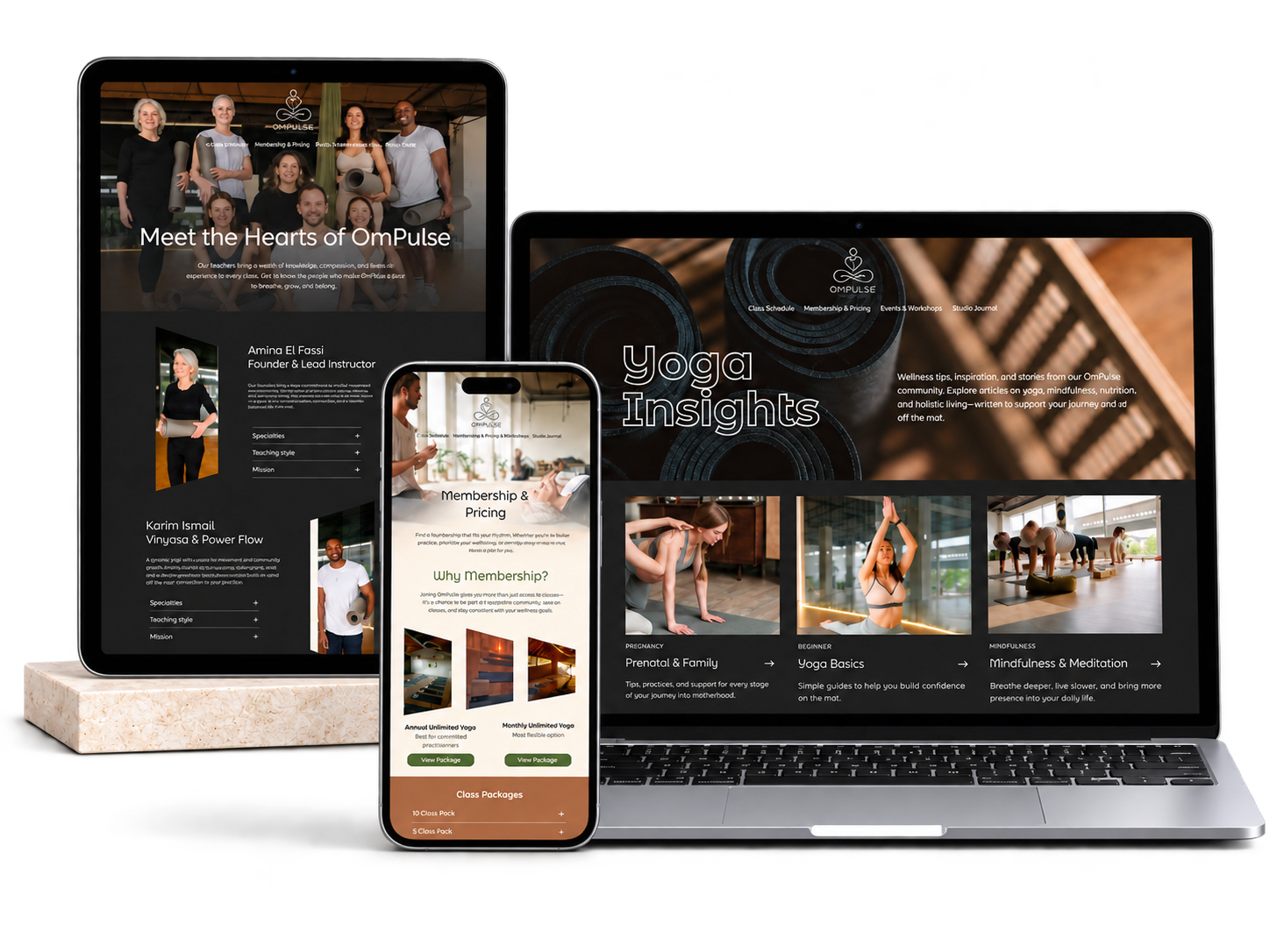
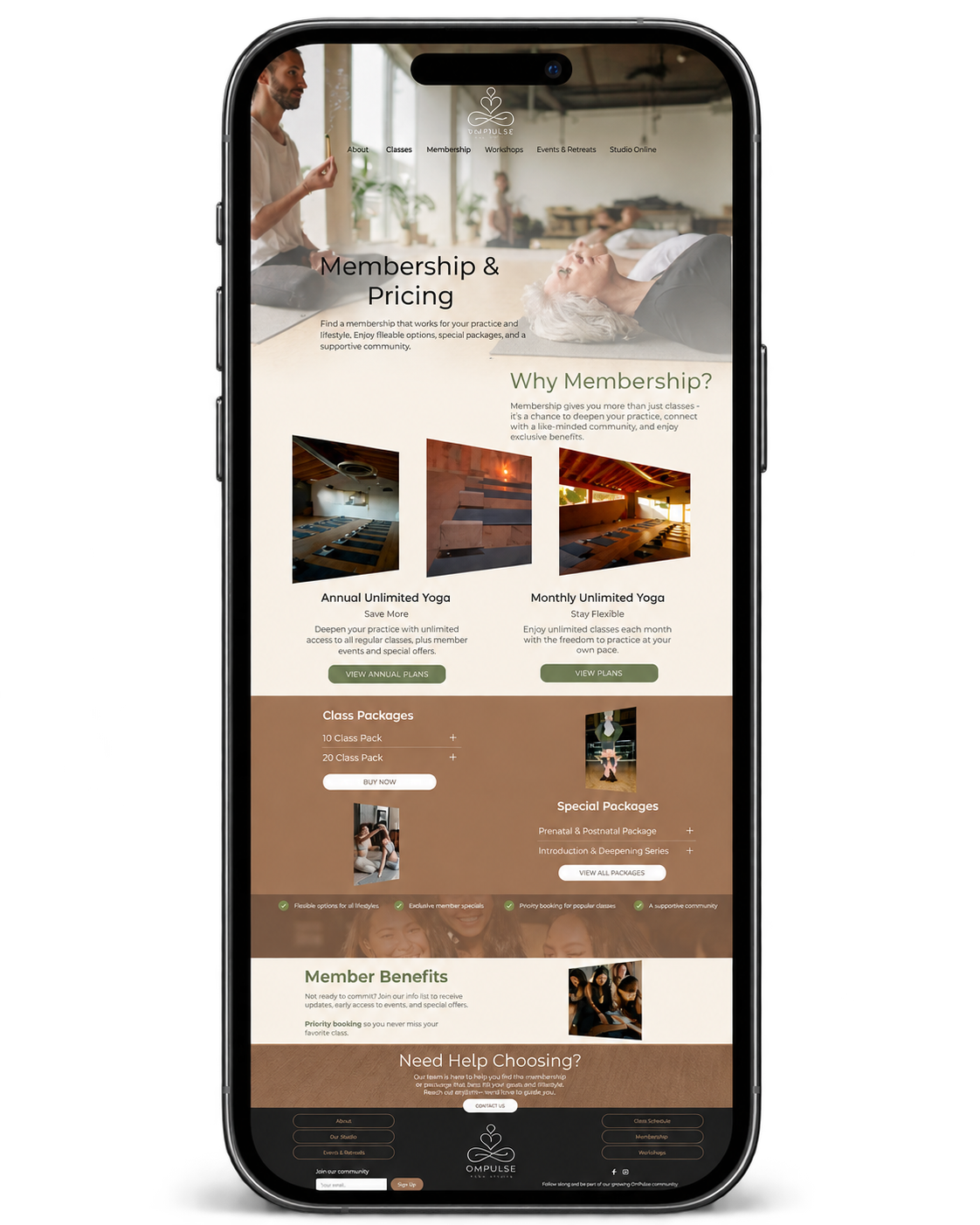
Inside your purchase
Everything you need to start.
12 pre-built page layouts
A coordinated page system for the essential parts of your studio website.
24 featured sections
Reusable sections for offers, reviews, galleries, FAQs, people and more.
SquareKicker movement
Polished motion and interactions already designed into the template.
Instant installation
Install through the SquareKicker Template Engine on Squarespace 7.1.
SquareKicker customization
Continue customizing the design using SquareKicker tools available with your setup.
A customizable foundation
Replace the demo content, colors, imagery, typography and studio details.
Starting from scratch
Too many decisions.
Without a clear structure, pages, offers and content can compete for attention — leaving you to make every decision from the beginning.
With a considered template
Start with clarity.
- 01 Your structure is already considered.
- 02 Your content has a clearer place.
- 03 You focus on customizing, not starting over.
What happens after you choose
From template to your website.
Confirm the fit
Review the demo, included layouts and requirements before purchasing.
Continue to SquareKicker
Open the official marketplace listing and review your order before checkout.
Purchase + install
Complete checkout, then install the template using the SquareKicker Template Engine.
Make it yours
Add your content, imagery and brand, then review your site and publish.
useful answers before you choose
Before you decide
Make it unmistakably yours.
A template gives you a considered starting point, while your branding, content and creative decisions shape the finished website.
-
Will the finished website still feel like my brand?
Yes. Replace the colors, typography, imagery, copy, offers and business details while keeping the strategic structure as your starting point.
-
Do I have to design every page myself?
No. The page layouts and reusable sections are already designed, giving you direction without forcing you to begin with an empty Squarespace website.
-
What if I do not need every page or section?
Use only what supports your business. Pages and sections can be hidden, removed, duplicated or added as your content and offers evolve.
-
Does my website have to look exactly like the demo?
Not at all. The demo shows one direction for the design system. Your final website can take on your own colors, imagery, typography and brand personality.
Know before you buy
Know before you buy.
Squarespace 7.1
The template is designed for Squarespace 7.1.
SquareKicker
The template uses SquareKicker-powered styling and interactions.
One website
One template purchase covers one website.
Separate costs
Your Squarespace subscription, domain and optional external services are separate.
Looking for another path? Compare templates ↗
Before you choose
A few useful answers.
01 Can I customize the template?
02 Can I install it on an existing Squarespace website?
03 Do I need to know code?
04 Do I need a separate SquareKicker subscription?
05 What happens after purchase?
06 Can I add my own classes and schedule?
07 Can I customize the memberships and pricing?
Ready to make it yours
Same template. Different brand feel.
Start with the structure already in place, then customize the colors, typography, imagery and content to create a website that feels unmistakably yours.
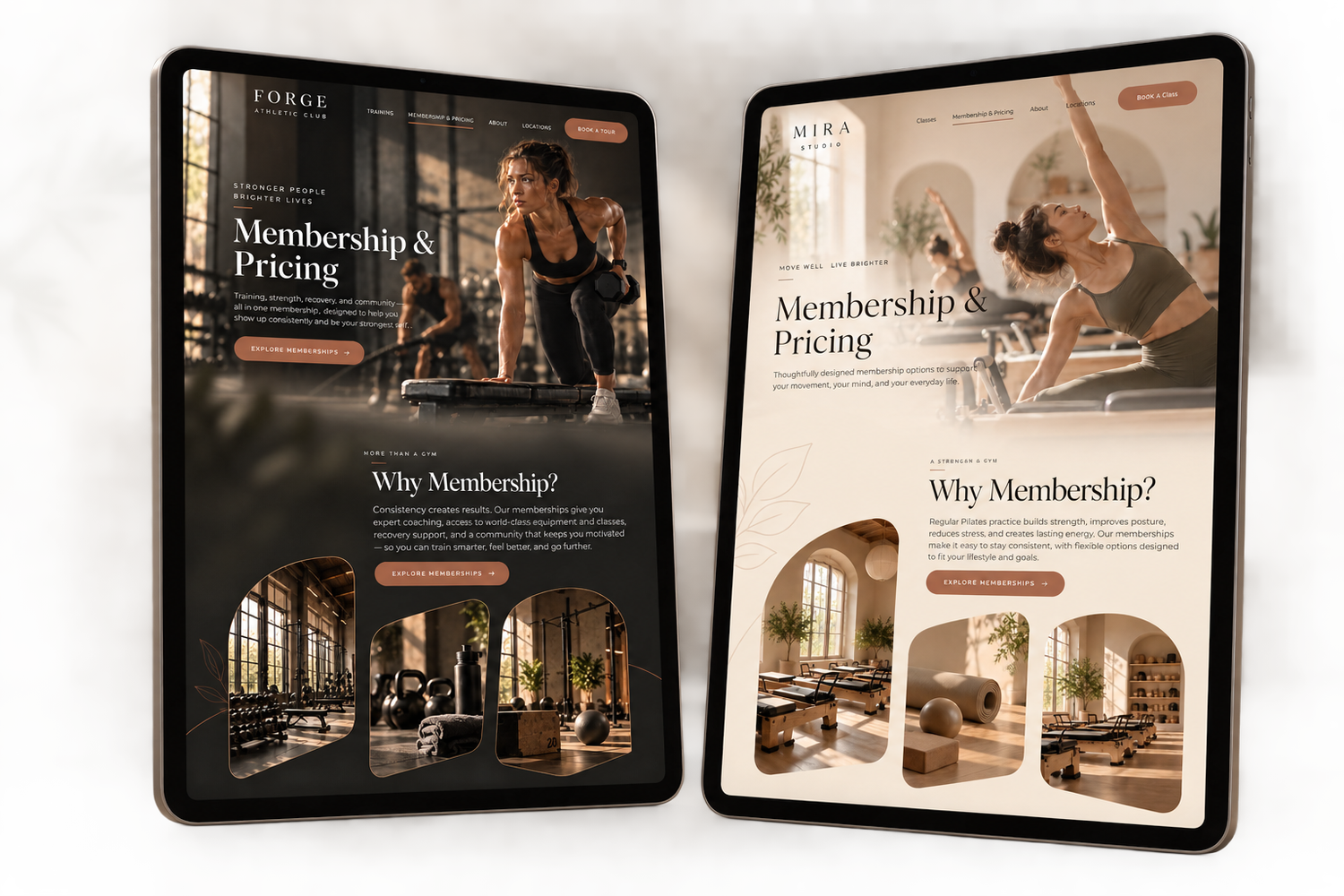
See how OmPulse can be customized to fit your brand, activity and visual direction.